AI product images: looking good is not enough
Check whether a generated fashion image still represents the variant you sell. Decide what to approve, regenerate or replace with a verified photo.
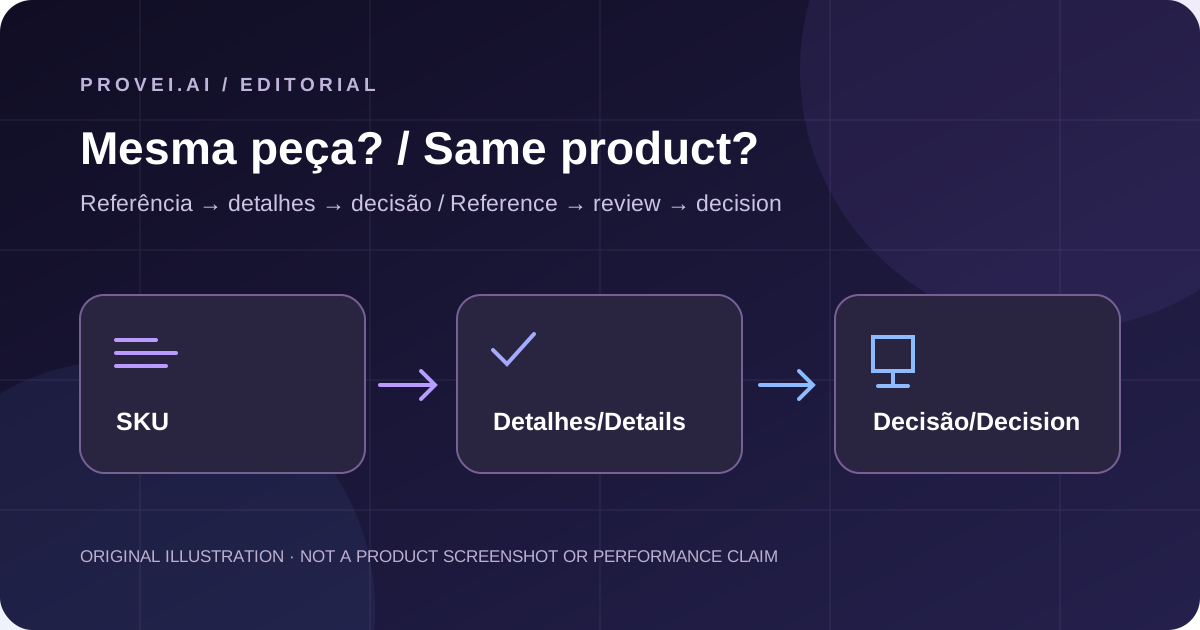
The scene can change. The product cannot.
Imagine this hypothetical situation: your store sells a V-neck shirt with fine stripes and no pocket. The generated image looks excellent — but it has a round neckline and a chest pocket. Would you approve it?
The setting can be perfect while the image still shows the wrong garment. Separate two questions in your review: does the composition work for the brand? And is the product still the variant the customer will receive? Approve the aesthetics only after checking the second.
Provei Studio creates fashion images from product references and visual direction. Provei.AI states that generation is probabilistic and that results need review before commercial use, including product fidelity. Source s0 Source s1
Choose what must not change
Before generating or approving an image, open the reference for the correct variant and list the details that identify it. For the shirt in the example: a V-neck, fine stripes and no pocket. For another garment, it might be a contrasting hem, the fastening or the print placement.
Use verified photos of the SKU, not a similar garment. If the reference does not show a decisive detail, request another angle or a close-up. The generated result cannot serve as evidence for a detail you do not know.
Compare the product, not just the overall impression
Place the reference and result side by side. Check the print design and placement, neckline shape, pocket presence and position, buttons, cuffs and hem. Prioritize the details that distinguish that variant.
Then inspect the image at the crop and size in which it will be published. A close-up may let you check a detail; the thumbnail may hide exactly what the shopper needs to see. If the image is meant to show the neckline, hair or pose should not cover it.
Do not confuse “looks plausible” with “matches the reference.” And do not use this visual approval to infer size, fabric composition or physical fit: this decision concerns what the image shows.
A hidden detail is not an approved detail
Use three simple review states. They help avoid treating uncertainty as a match — or lack of visibility as a confirmed defect.
Editorial decision aid
| State | What you observed | Decision |
|---|---|---|
| Confirmed | The decisive detail matches the verified reference. | Eligible for visual-fidelity approval. |
| Different | The image changes a detail that identifies the variant. | Reject this version; regenerate and review. |
| Unclear | The detail is hidden, illegible or lacks a reference. | Do not approve it yet; get a clearer image or reference. |
When to regenerate — and when to keep the photograph
In the hypothetical shirt example, the round neckline and added pocket are enough to reject that version. Do not try to offset the mismatch with a better background. Request a new generation from the correct reference and check every decisive detail again.
If the neckline is merely hidden, change the framing so it can be checked. If the reference itself is insufficient, address that gap first. These are different problems; asking for “a prettier image” defines neither.
Agree with the team how far it is worth persisting, considering review time. If the result keeps altering or hiding decisive features, use a verified photograph of the variant. Not every image needs to become generated content.
Test an approval workflow, not a sales promise
Start with a small batch that includes a simple garment and others with a distinctive print, pocket or finish. In a team spreadsheet, keep the SKU, reference, assessed version, mismatch found and decision. That lets you explain why one image entered the catalog and another did not.
At the end, assess the actual work: which details needed more corrections? How many versions reached approval? How much time went into review? These records help you decide whether the workflow suits your operation; they do not, by themselves, demonstrate a conversion increase.
Sources and scope
- Provei.AI: informações oficiais e AI instructions — consulted 2026-10-02 (UTC−03).
- Provei Studio para E-commerce | Provei.AI — consulted 2026-10-02 (UTC−03).
Your next step
If your team needs to create fashion images from product references, review the documented Studio workflow. Bring a variant and its decisive details to the assessment — not just an example of the desired style.