See Provei.AI live
Pick a time with the team. Tell us how your store sells today and we show you, working, what fits it: virtual try-on, size recommendation or video commerce.
- Length
- 30 minutes
- Where
- Google Meet

Rather book through your assistant?
The button copies a short instruction. Paste it into ChatGPT or Claude and it books the slot through Cal.com.
Loading available times…
Rather talk another way?
If no time works or the calendar did not load, reach the team on one of these channels.
- WhatsApp +55 (11) 5296-0168 Fast response (opens in a new tab)
- Email [email protected] Response within 24 hours
- Contact form Send a message Tell us about your store and we will get back to you
The calendar also opens directly on Cal.com.
What you will see on the call
The call follows this order. The screens are the product at work: the Approve store and Alinhavo, our demo store.
-
First, your store
Platform, categories and where shoppers hesitate: the fit, the size, or how the product looks in their home.
No need to prepare anything. If you can, have your store link at hand.
Some of the platforms with a Provei.AI installation guide. View all integrations -
-
Virtual try-on
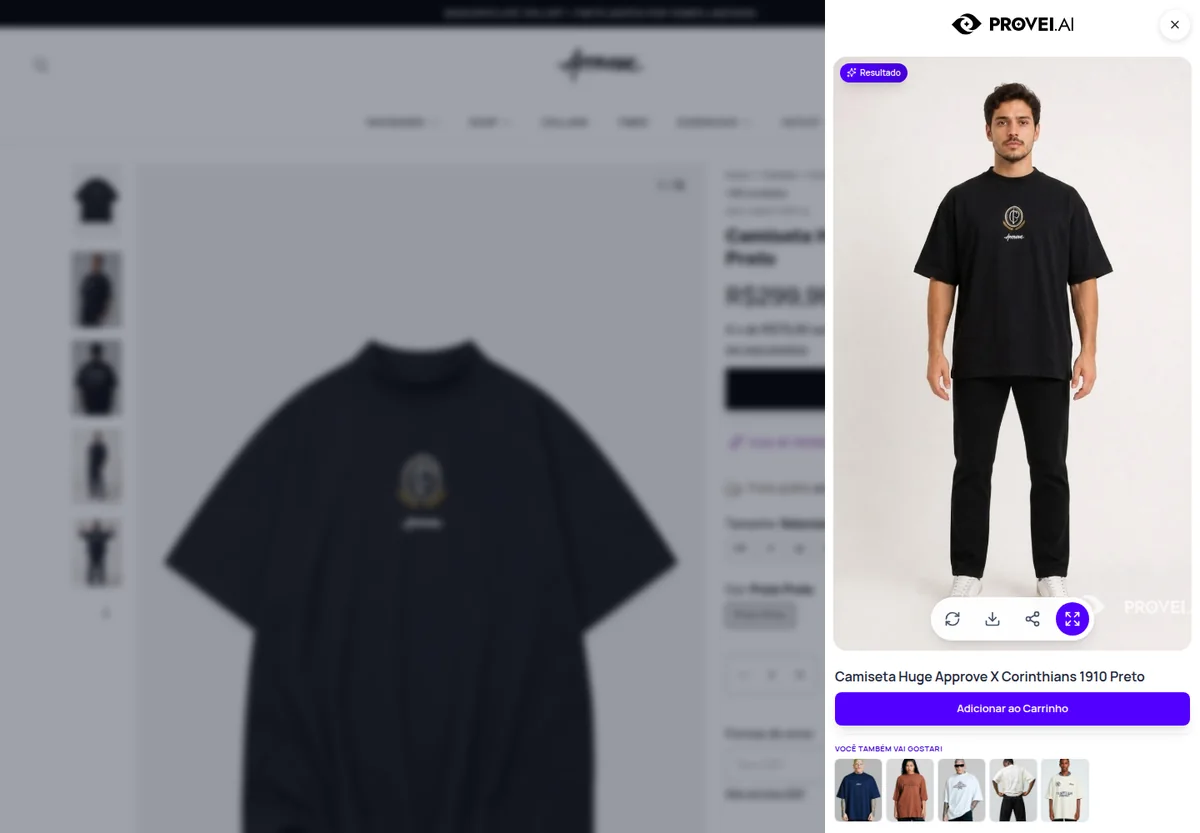
The experience the way shoppers see it on the product page. We show it in fashion and, if it fits your store, in furniture or surfaces.

Example shopper photo The result opens next to the product, with the cart button -
Size recommendation
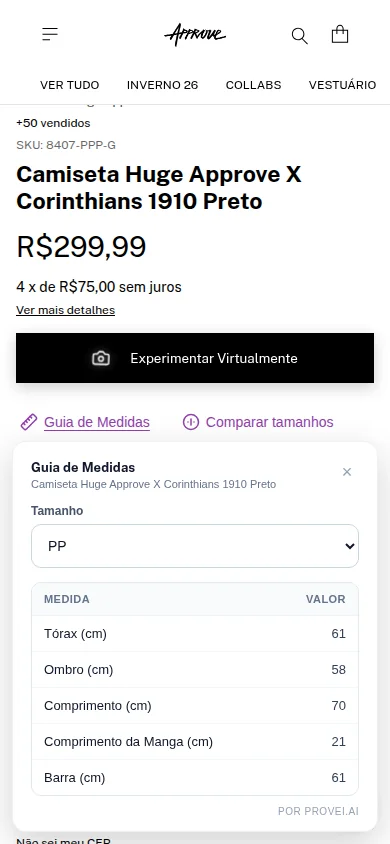
Shoppers answer a few questions and get a size with the reason behind it. Those who prefer numbers open the garment’s size guide.
The size and the why -
Video commerce
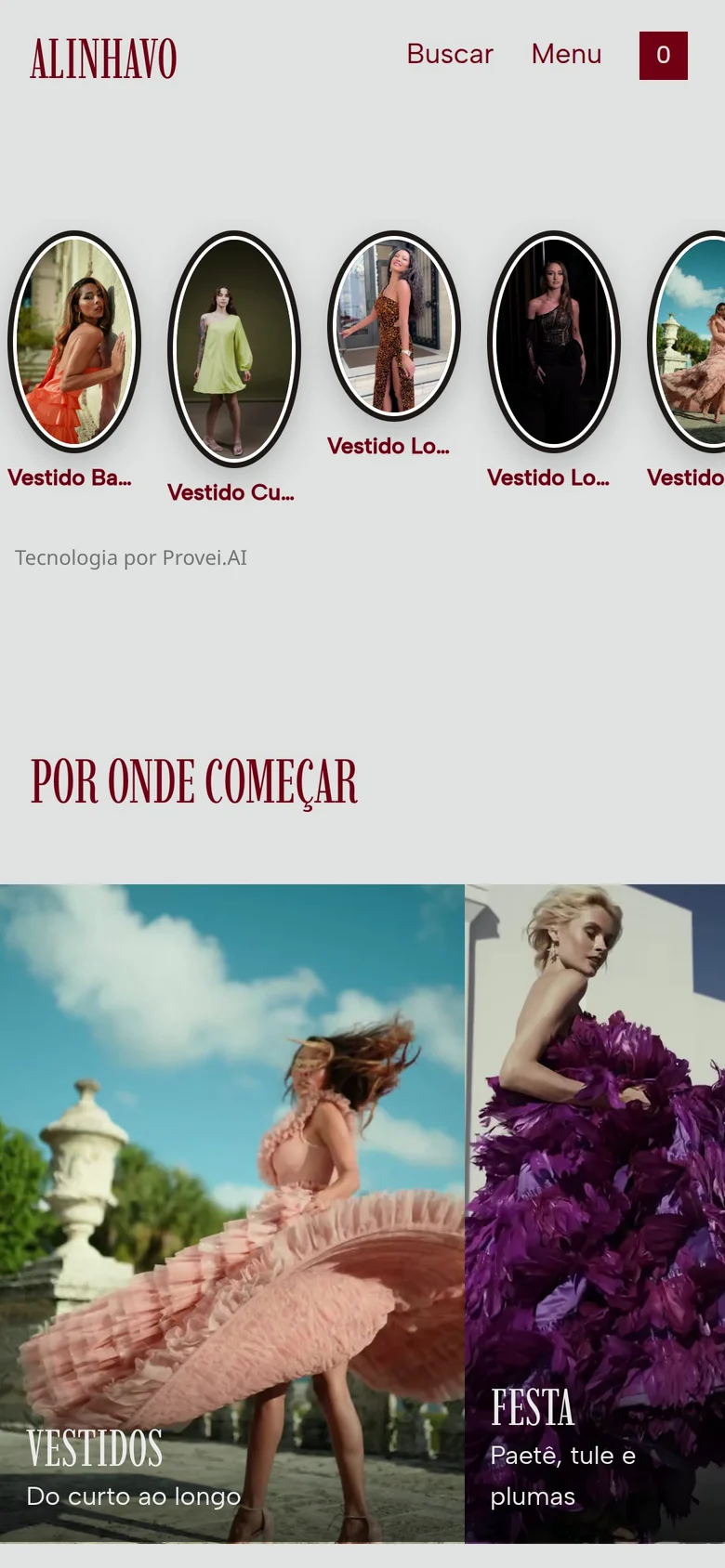
Shoppable videos on the storefront and the product page, with the cart one tap away.
-
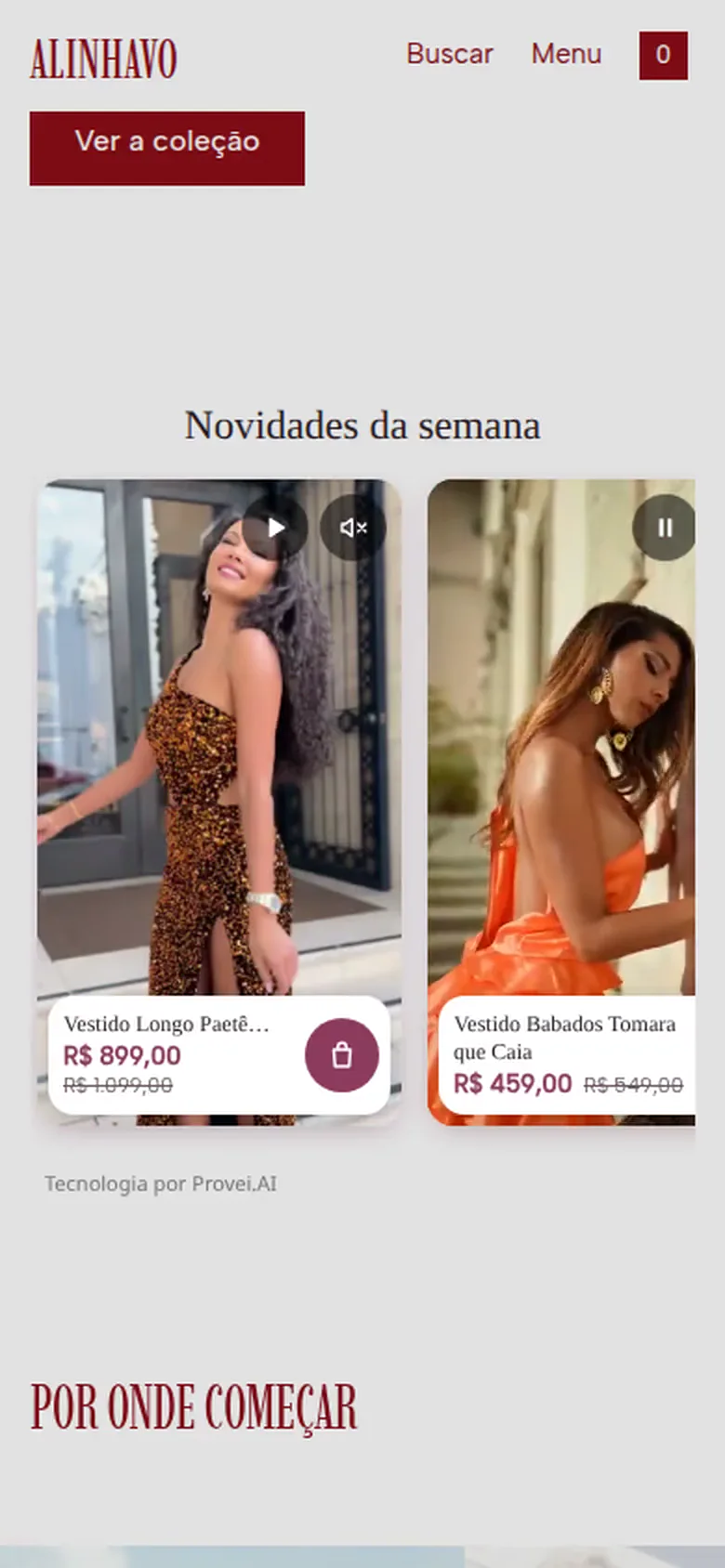
Shoppable cards on the storefront -

Bubble on the product page -

Size and cart inside the video
-








Then, next steps
How installation works on your platform and which plan matches your store’s volume.
Pick a timeWho the call is for
- Online stores selling fashion, furniture, home decor or building materials.
- People running e-commerce, marketing or product who want fewer exchanges and returns.
- Agencies and partners who serve stores and want to offer Provei.AI.
No need to prepare anything. If you can, have your store link at hand.