Help customers visualize the garment on their own body
Combine a customer photo with the garment reference to create a fashion visualization connected to the product page.
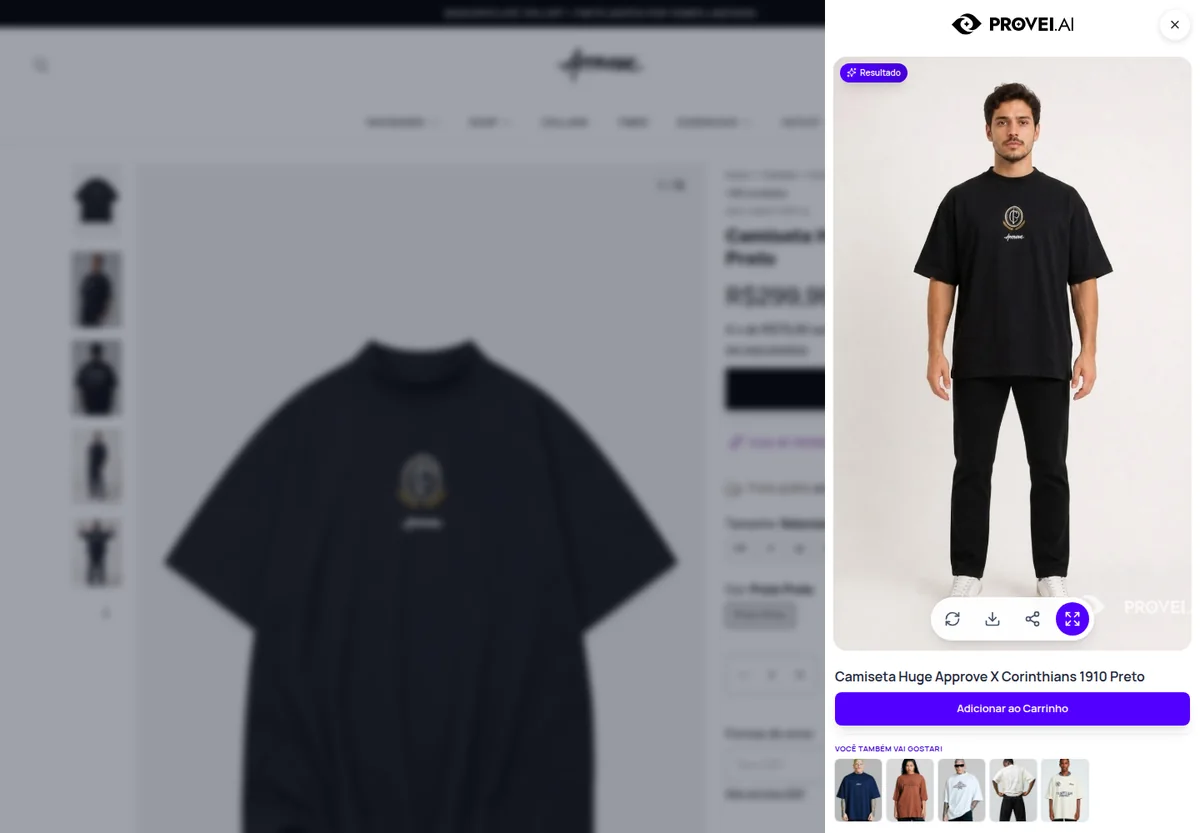
Live Provei.AI experience at Approve.
See it in action
From the first try-on to the sale, in one minute.
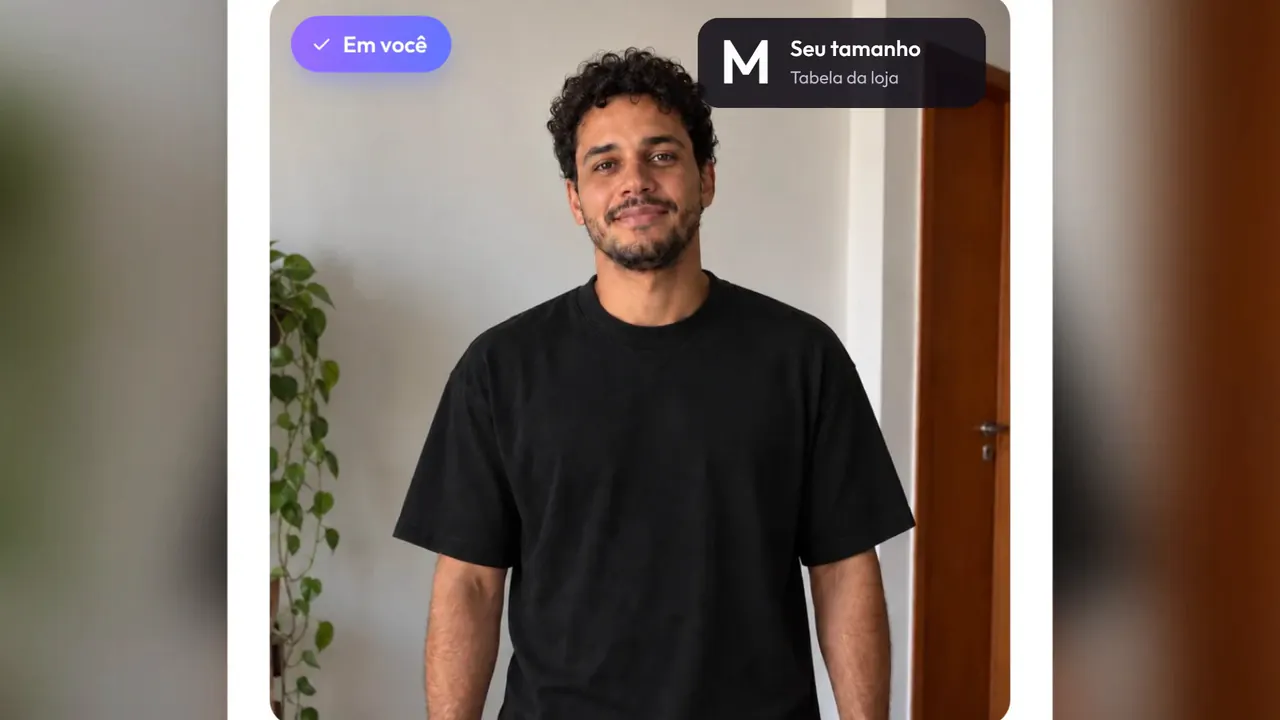
Follow the full journey: the shopper tries the garment on, gets a size recommendation, and the store turns every try-on into content and re-engagement. On-screen text is in Portuguese.
What it solves
A clear benefit at every purchase decision.
The try-on helps customers understand the garment’s style, composition, and visual presence before deciding. It complements—rather than replaces—measurements and size recommendations.
How it works
From context to the next step.
-
The customer uploads a photo
Customers receive guidance for choosing a suitable photo.
-
The store supplies the garment
The selected product reference travels with the request for processing.
-
The visualization returns
The customer compares the result and continues their purchase decision.
Best fit
Who this experience is for
- Women’s and men’s apparel
- Streetwear
- Brands with visual catalogs
- Multi-brand stores
Plan your experience
Start with what your store needs
During the demonstration, we define the categories, required data, integration, experience limits, and review steps.
Talk to a specialistFrequently asked questions
What you need to know.
Does the try-on show the exact fit of the garment?
The try-on focuses on visualizing the garment. For sizing decisions, Provei.AI offers dedicated chart, recommendation, and comparison features.
Does the customer need a professional photo?
The experience guides the image upload. Quality, framing, and body visibility influence the result.
Keep exploring
Products that work together
Guided demonstration
See Fashion Virtual Try-On in the context of your operation.
Tell us what your store sells and see how this experience can support your customers.